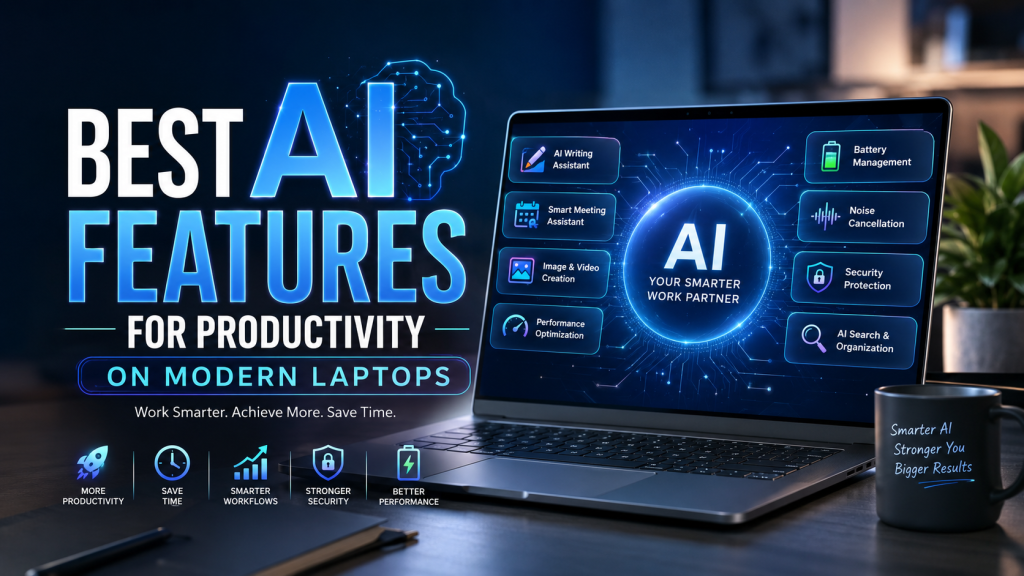

Work Smarter, Create Faster, and Save Hours Every Week
Artificial Intelligence is no longer a futuristic concept—it’s now built directly into modern laptops. Whether you’re a student rushing to finish assignments, a professional managing countless meetings, a content creator editing videos, or a programmer writing code, AI-powered laptops are transforming the way we work.
The latest generation of Windows AI PCs, Intel Core Ultra laptops, AMD Ryzen AI systems, and Apple Silicon MacBooks all come equipped with intelligent features designed to automate repetitive tasks, boost performance, and help you accomplish more in less time.
So, which AI features actually improve productivity? Let’s explore the most useful ones that make modern laptops worth considering in 2026.
Why AI Matters in Modern Laptops
Traditional laptops simply execute commands. AI-powered laptops understand your workflow, optimize system resources, predict your needs, and even complete certain tasks for you.
Instead of merely being a tool, your laptop becomes a smart assistant that helps you:
- Finish work faster
- Reduce distractions
- Improve battery life
- Enhance creativity
- Increase efficiency
The result? More productivity with less effort.
1. AI Writing Assistants
One of the biggest productivity boosters is AI-powered writing assistance.
Modern laptops can now help you:
- Draft emails
- Rewrite documents
- Summarize lengthy reports
- Correct grammar instantly
- Generate blog ideas
- Translate multiple languages
- Create presentations faster
Whether you’re writing business emails or producing content, AI dramatically reduces the time spent staring at a blank page.
Perfect For
- Students
- Bloggers
- Office workers
- Freelancers
- Marketers
2. AI Meeting Assistant
Virtual meetings have become part of everyday work, and AI makes them much smarter.
Modern AI laptops can automatically:
- Remove background noise
- Blur or replace backgrounds
- Improve microphone clarity
- Keep your eyes focused on the camera
- Generate live captions
- Translate conversations
- Record meeting summaries
- Create action items
Instead of taking notes manually, AI does it for you.
Huge Productivity Benefit
You’ll spend more time participating in meetings and less time documenting them.
3. AI Image Generation & Editing
Content creators love this feature.
AI-powered laptops now allow users to:
- Remove unwanted objects
- Replace backgrounds
- Improve image quality
- Generate artwork from text
- Create marketing graphics
- Enhance old photographs
- Upscale low-resolution images
Tasks that once required hours in Photoshop can now be completed in minutes.
4. AI Video Editing
Video editing has become significantly faster thanks to AI.
Popular AI features include:
- Automatic subtitles
- Smart scene detection
- Background removal
- Object tracking
- Noise reduction
- Auto color correction
- Highlight generation
- Voice enhancement
Whether you’re a YouTuber or social media creator, AI can save countless hours.
5. AI Performance Optimization
Modern laptops constantly monitor how you work.
They intelligently allocate power to demanding applications while conserving battery during lighter tasks.
Benefits include:
- Faster application launches
- Better multitasking
- Reduced overheating
- Longer battery life
- Improved system responsiveness
The laptop automatically adjusts without requiring manual settings.
6. AI Battery Management
Battery anxiety is becoming a thing of the past.
AI studies your usage habits and learns:
- When you usually charge
- Which applications consume the most power
- When to limit charging
- How to optimize battery health
The result is longer battery lifespan and improved daily performance.
7. AI Noise Cancellation
Working from cafés, airports, or busy homes?
AI can eliminate:
- Keyboard clicks
- Fan noise
- Traffic sounds
- Barking dogs
- Air conditioners
- Background conversations
Your voice remains clear during calls, improving communication without needing expensive microphones.
8. AI Security Features
Security has also become smarter.
Modern AI laptops include:
- Facial recognition
- Intelligent threat detection
- Privacy alerts
- Automatic screen locking
- Webcam privacy monitoring
- Password management
- Malware detection
Some laptops can even detect when someone is looking over your shoulder and automatically blur sensitive information.
9. AI Search & File Organization
Finding files is easier than ever.
Instead of remembering exact filenames, you can simply search naturally:
- “Find my tax document.”
- “Show photos from last vacation.”
- “Open the presentation I edited yesterday.”
AI understands context rather than relying solely on keywords.
10. AI Coding Assistant
Developers are among the biggest beneficiaries of AI.
Modern coding assistants can:
- Suggest code
- Detect bugs
- Explain complex functions
- Generate documentation
- Complete repetitive code
- Refactor projects
- Convert code between languages
This significantly speeds up software development while reducing errors.
11. AI Voice Commands
Typing isn’t always the fastest option.
Modern laptops can understand natural voice commands like:
- “Open Excel.”
- “Summarize this PDF.”
- “Schedule a meeting tomorrow.”
- “Increase screen brightness.”
- “Start screen recording.”
Voice control makes multitasking more convenient and accessible.
12. AI-Powered Creative Tools
Designers and creators can use AI to:
- Generate illustrations
- Create logos
- Design presentations
- Produce music
- Generate voiceovers
- Create animations
- Brainstorm ideas
These features help accelerate the creative process while reducing repetitive work.
13. AI Productivity Dashboards
Some laptops now include intelligent dashboards that analyze your work habits.
They can suggest:
- Better focus times
- Break reminders
- Productivity trends
- Frequently used applications
- Workflow improvements
These insights help you work more efficiently throughout the day.
14. AI-Powered Search Across Apps
Instead of searching each application individually, AI searches everything at once.
You can quickly locate:
- Emails
- Documents
- Photos
- Calendar events
- Notes
- Messages
This unified search experience saves valuable time every day.
Which Users Benefit the Most?
| User | Best AI Features |
|---|---|
| Students | Writing assistance, note summaries, voice transcription |
| Office Professionals | Meeting summaries, email drafting, AI search |
| Content Creators | Image generation, video editing, design tools |
| Developers | AI coding assistants, debugging, documentation |
| Business Owners | Productivity dashboards, automation, scheduling |
| Designers | AI artwork, image editing, presentation creation |
Are AI Laptops Worth Buying in 2026?
If you primarily browse the web or watch videos, an AI laptop may not feel essential. However, if your day revolves around productivity, creativity, remote work, or multitasking, the benefits are substantial.
AI features can automate repetitive tasks, improve collaboration, enhance security, and optimize performance—making your laptop more than just a device. It becomes an intelligent productivity partner.
As software continues to evolve, these AI capabilities will only become more powerful, making today’s AI laptops a smart investment for the future.
Final Thoughts
AI has shifted from being a novelty to becoming one of the most practical advancements in modern computing. Features like intelligent writing assistance, automated meeting summaries, advanced security, AI-powered editing tools, and performance optimization are helping users reclaim valuable time and focus on meaningful work.
When choosing your next laptop, don’t just compare processors, RAM, or storage. Consider the AI capabilities that align with your daily workflow. The right AI-powered laptop can increase productivity, reduce routine tasks, and provide a smoother, more efficient computing experience for years to come.
The future of productivity isn’t about working harder—it’s about letting AI handle the routine so you can focus on what truly matters.